A short break. A new movement.
Coordination exercises online
Interactive practice for coordination and attention. Repeat movements in front of your camera and follow the workout step by step.
Free · In your browser · No special equipment
Camera video is processed on your device and is not uploaded.
FROM FIRST GESTURE TO RESULT
How НейроЗаряд works
Choose an exercise
Start with two familiar signs or try challenging opposite finger taps. Every exercise has instructions you can read without a camera or an account.
Allow camera access
The camera starts only inside the app after you press start. Show both hands and wait for calibration. No microphone is needed.
Move and follow your progress
Follow the prompts for 60 seconds. The app counts repetitions and shows a coordination score. Save your result or try again.
THREE WAYS TO TRY
Explore the exercises
Different movements. One minute each. Choose where you want to start.
Thumb / OK
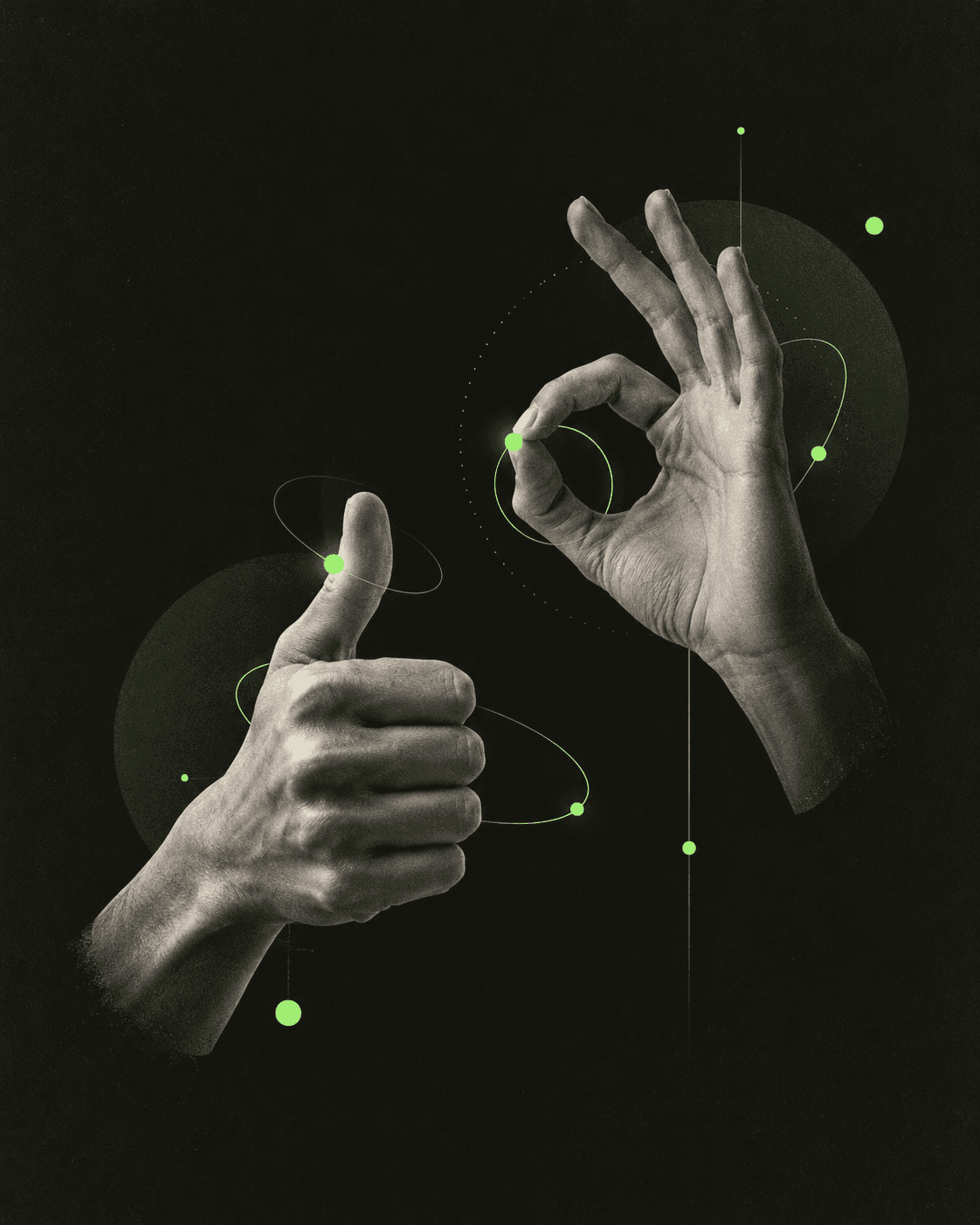
Show a thumbs-up with one hand and an OK sign with the other. Swap both gestures together while keeping their shapes clear.
View instructionsGun / Goat
Combine two asymmetric signs: a finger gun and a horns sign. Swap them on cue without mixing up your fingers.
View instructionsOpposite finger taps
Touch each fingertip with your thumb: the left hand moves from index to pinky while the right moves towards it. Reverse both directions after a full cycle.
View instructionsAT YOUR OWN PACE
A small break in a busy day
For adults
Switch from your usual task to movement: coordinate both hands and follow a gesture-switching rule. No sportswear, account or long preparation needed.
For children — with an adult
Demonstrate the movement and practise without a camera first. Make it a game, not a test of ability. Pause or stop early if interest fades.
ABOUT THE PRACTICE
Movement with a coordination task
These exercises add a task to movement: follow a sequence, coordinate both hands, keep a rhythm or switch between rules. НейроЗаряд lets you try these tasks in a browser and receive feedback on detected movements.
Instead of watching a workout, you perform the movement yourself. Camera feedback helps count repetitions, while prompts show the next hand position. Learn the rule first, then practise it consistently. Speed should not come at the expense of clarity.
Scores also depend on lighting, finger visibility and device speed. If a gesture is missed, check your framing. Compare your own attempts under similar conditions, rather than using the score to compare different people's abilities.
FAQ
Before your first move
What are these exercises?
Movement tasks that combine hand coordination, sequences and rule switching. НейроЗаряд offers short interactive practice, not a medical procedure.
How do I start?
Read the instructions and practise the movement first. Open the app, press start and allow camera access. Show both hands for calibration, then follow the prompts for 60 seconds.
Can children try them?
Children can try movements they understand with an adult. Start slowly without a timer or a score target. The service has no age norms and does not assess a child's development.
Do I need a special camera?
A regular laptop or phone camera is enough. Keep both hands well lit, fully visible and separated. If tracking is inaccurate, check framing and lighting first.
Does it work on a phone?
Use a mobile browser that supports camera access and place the phone on a stable surface. Tracking speed depends on your device and browser.
Is my video saved?
Video is not recorded or uploaded; movement recognition runs in your browser. Internet is needed to load the app and models. Results and personal bests stay in this browser, without an account.
How long is one exercise?
Each round lasts 60 seconds after calibration. You can pause or finish early. Instructions can be read without turning on the camera.
ONE MINUTE. START THERE.
Don’t just watch. Try it.
Start freeNo sign-up. The camera starts only with your permission.